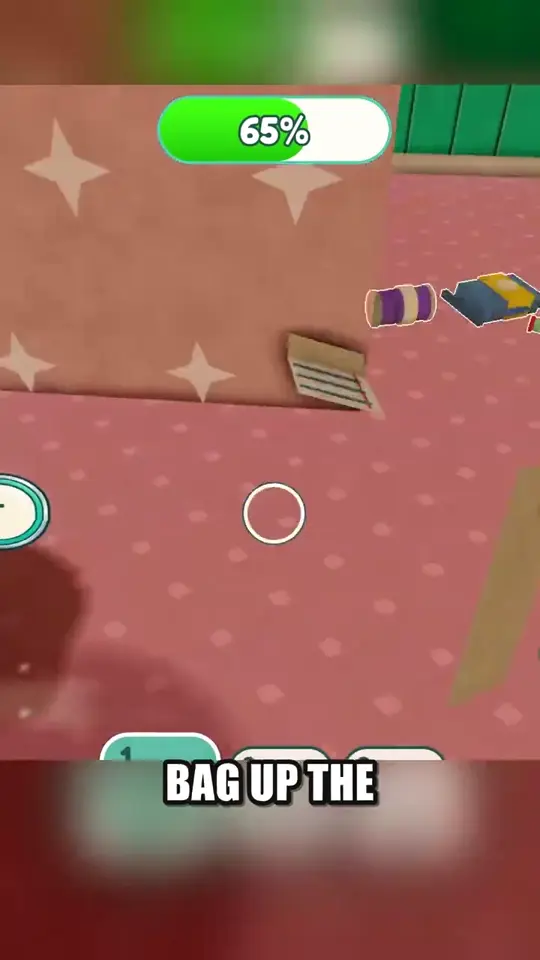
Room Cleaning, Furnishing & Upgrades
Clear dirt and stains, furnish rooms, and plan Regular, Comfort and VIP upgrades.
What to do when cleaning stalls
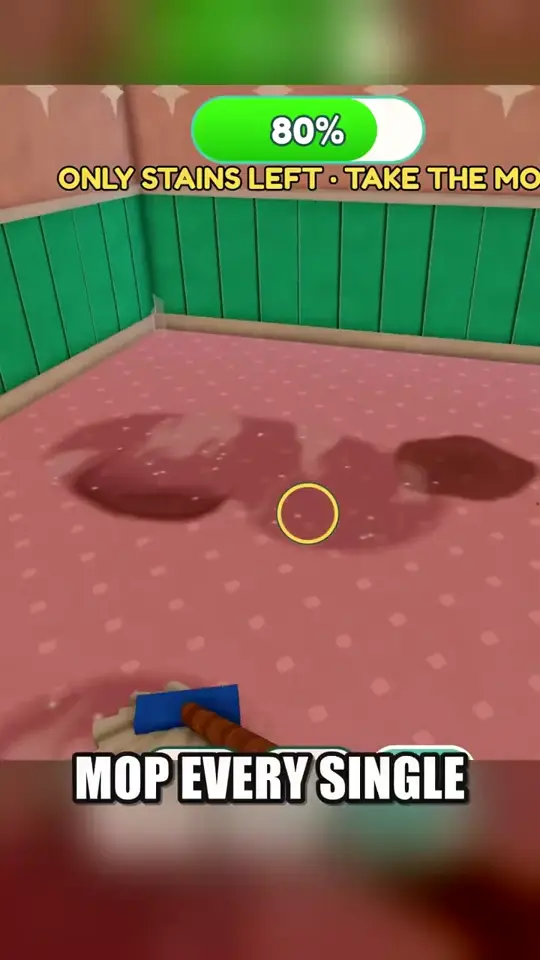
Watch the room progress and read the message above it. At 80% in the recording, the prompt says only stains are left and directs the player to the mop. Change tools and work over the remaining marks instead of redoing already cleared areas.
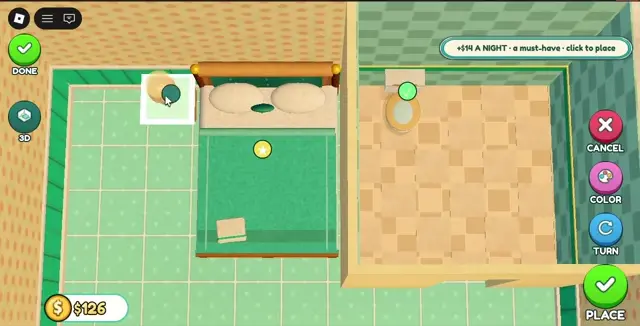
Place required furniture on the room grid
In the furnishing view, pick the item requested by the current task. The overhead grid shows a tile preview and separate Turn, Place and Done controls. Select a free tile, confirm with Place, then leave with Done. If the objective stays open, check whether the correct item was placed.
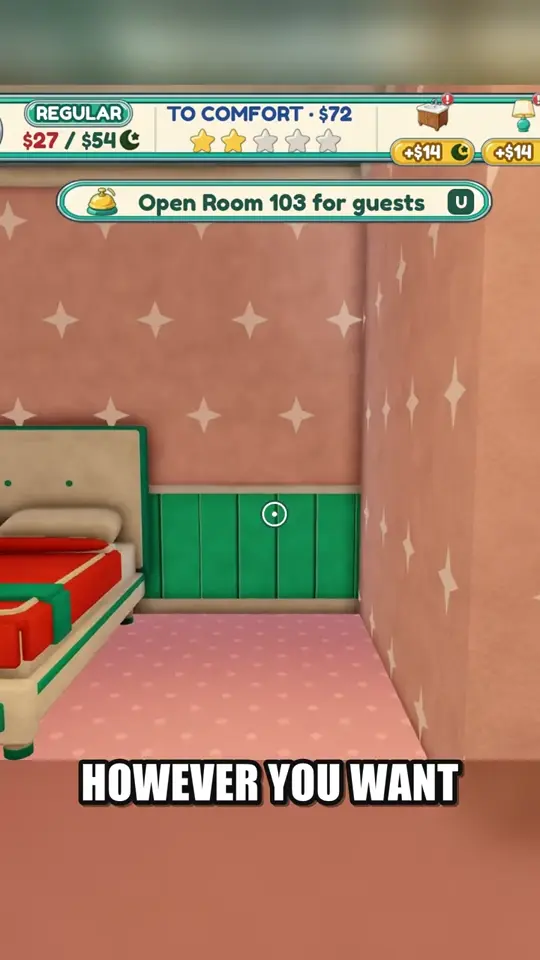
Room 103 shows a separate Open Room for guests prompt after furnishing. Use it before returning to the desk.
Read the requirements for Comfort and VIP
The developer lists Regular, Comfort and VIP in that order. The recorded Room 103 HUD shows Regular and a To Comfort amount of $72. Later footage shows a Comfort objective mentioning a comfy bed or a king bed. Check your room tier panel and the bed category before spending. The full VIP checklist and current prices remain unverified.
Empty the bag when it fills
Pick up loose cans and packaging as well as vacuuming dust. A Bag Full warning appears in the recorded Room 103 cleanup. Empty the bag at a trash can, return to the room and reread the cleaning prompt before switching to the mop.