Guest Check-In, Room Service & Reviews
Handle check-in, luggage and phone calls as part of a repeatable shift.
Use the Room Keys board at reception
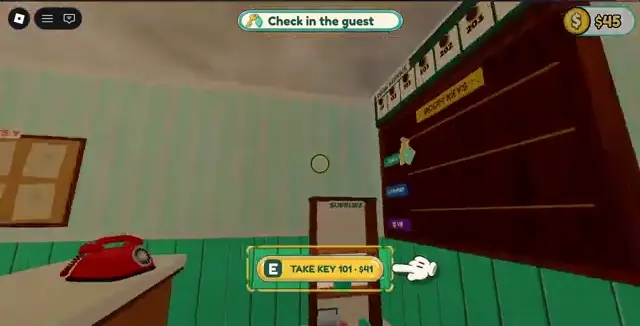
When the task says Check in the guest, go behind reception. The Room Keys board sits next to the supplies shelf and the red phone. Take the key that matches the available room. The desktop recording shows E for Key 101. Follow your device prompt to finish the handoff and carry any luggage requested.
If the desk task stays active, check the room number and finish the key or luggage action still displayed. The next status appears when the guest heads to the room.
Answer the phone after unlocking orders
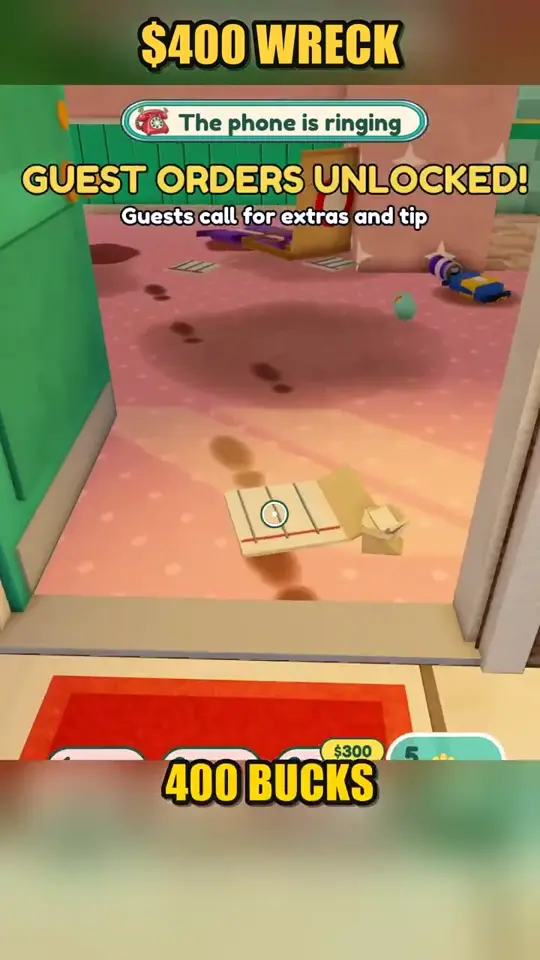
Buying Room 103 unlocks guest orders in the recording. Return to reception when the phone alert appears and read the request before preparing anything. The on-screen notice says guests can call for extras and tip.
Make coffee in three steps
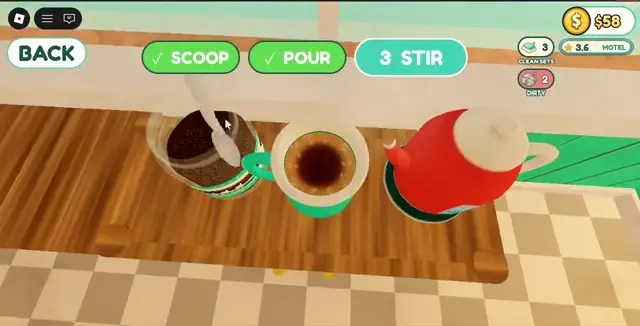
Open the coffee station for the guest request. The recorded sequence is Scoop, Pour and Stir. During Scoop, hold until Full Spoon tells you to let go. Follow the Pour prompt and finish Stir. The first two steps show check marks when complete.
If the order has not advanced, finish the stage that still lacks a check mark, then follow the active guest request.
Grow through reviews
The developer links happy guests with payment, tips and reviews, and says more stars bring more guests. Handle the active request before leaving for a long renovation. Guests can include families, newlyweds and an inspector, but their exact requirements and the review formula are unverified.